

Content Filter Woes? See What a Website is Loading (without loading dev tools)
Chrome Extension #3: FilterTrace

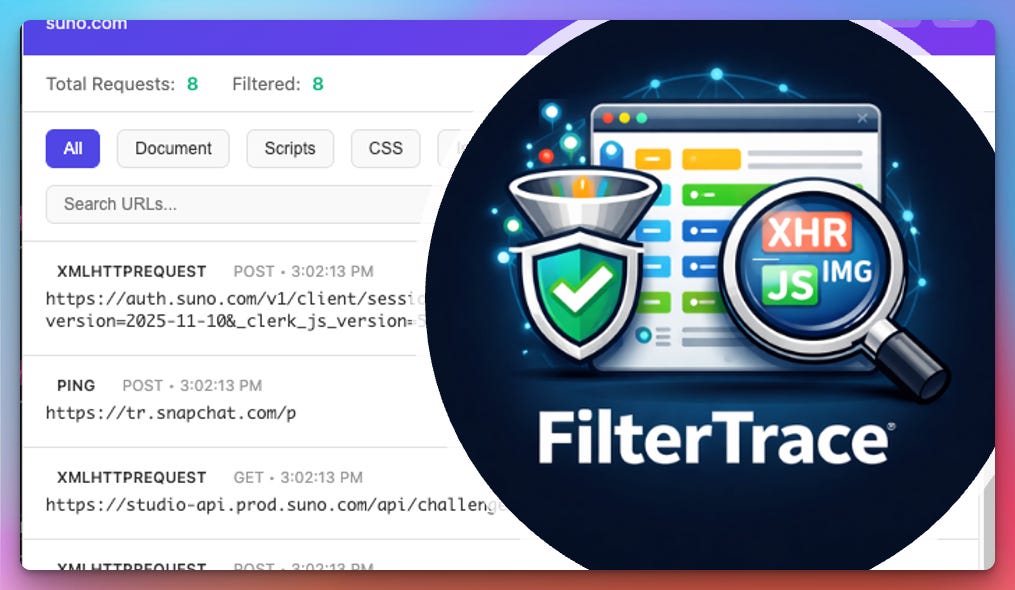
When a website doesn’t load correctly, the first question is usually why. In regulated environments that require content filtering like schools, that question often turns into a guessing game. Is a script blocked? An image host? An API call? Browser dev tools can answer that, but they’re often more than you need, and not always practical when you’re just trying to quickly identify which domain is causing the problem.
My solution was to build a small Chrome extension called FilterTrace that focuses on one thing: showing you exactly what network requests a page is making, in real time. You open the extension, load a page, and immediately see every request as it happens—documents, scripts, images, XHR and Fetch calls, fonts, media, and more. Each request type is color-coded so patterns stand out quickly, and the list updates automatically as new requests come in.
FilterTrace was designed with content filtering and troubleshooting in mind. You can filter requests by type, search for specific domains or URLs, and get a quick sense of how chatty a page really is. When you need to document what’s happening or share it with someone else, there’s an export button that saves everything to a CSV file you can open in Excel or Google Sheets. Dark mode is included too, because staring at network logs for extended periods of time is already enough.
Like my other extensions, FilterTrace is very intentionally limited in scope. It doesn’t store history, send data anywhere, or try to be a full replacement for browser dev tools. All processing happens locally, and everything clears when you close or navigate away from a tab. It’s meant to be something you turn on, get answers, and then forget about until the next time a site misbehaves.
FilterTrace started as a tool I needed for managing filtered environments, but it’s turned into a handy general-purpose way to understand what a website is doing behind the scenes. If you’ve ever needed a quick, clear answer to “what is this page trying to load?”, it might be worth keeping around.